Disk Drill Review 2026: Find and Restore Lost Files
Disk Drill makes a stressful job feel manageable. It scans deleted, formatted, or inaccessible storage, then lets you inspect the results before paying for a larger recovery.
Disk Drill is one of the easiest recovery apps to navigate, particularly if a deleted folder or damaged SD card has left you staring at unfamiliar technical options. The free edition can scan plus preview files, while Windows users may restore up to 100 MB before upgrading.
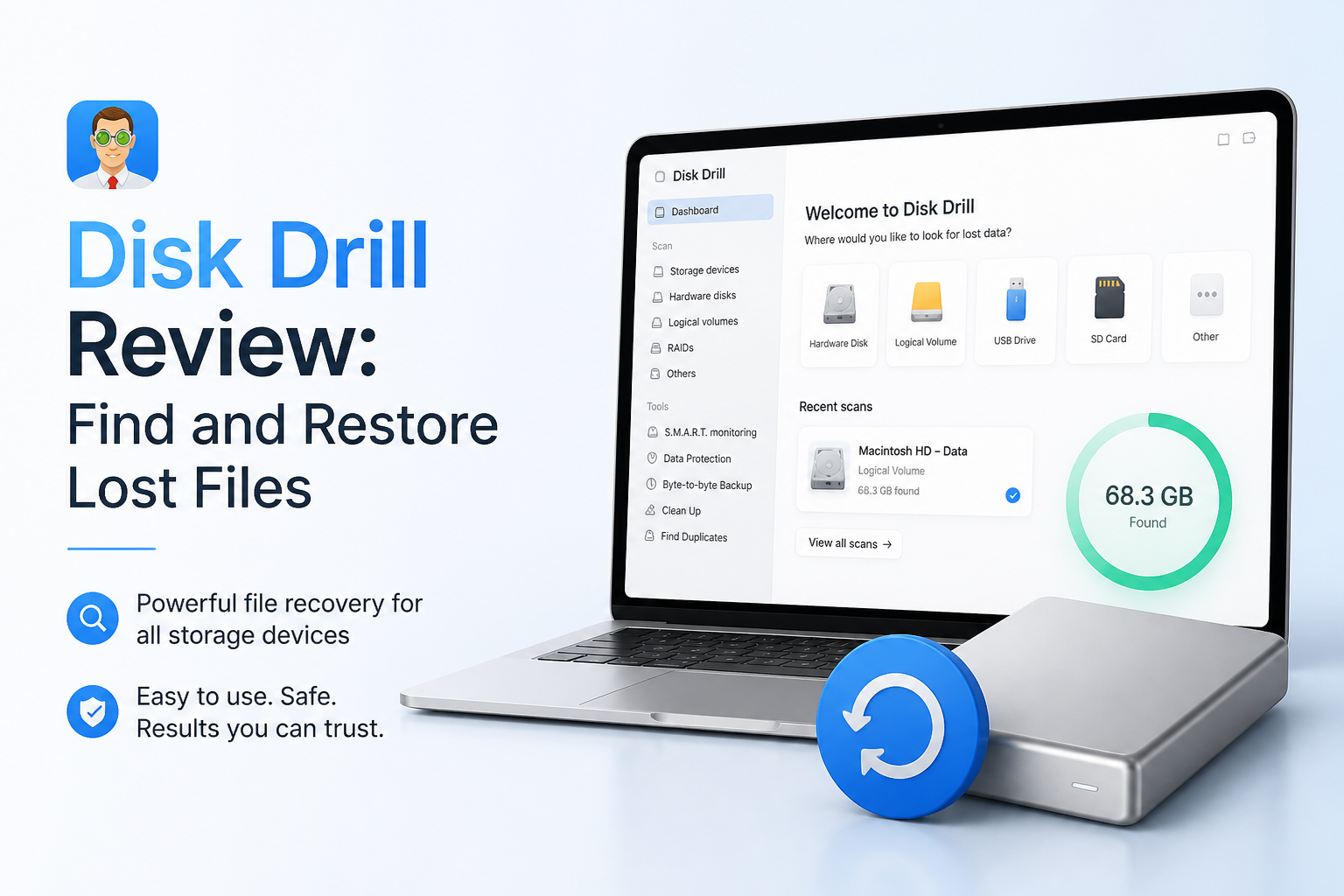
Disk Drill at a Glance
9.0/10Disk Drill is a Windows plus macOS application for locating files lost through deletion, formatting, partition trouble, or file-system damage. It can scan computers, external drives, USB sticks, memory cards, plus disk images.
Best forHome users, photographers, or small offices handling logical data loss on readable storage
- Universal lost-data scanning
- File previews plus recovery estimates
- Advanced Camera Recovery
- Byte-to-byte disk imaging
- Lost-partition detection
- Easy scan-to-recovery flow
- Preview before paying
- Useful disk-imaging tool
- Only 100 MB free recovery on Windows
- SSD TRIM can block recovery
- Annual plan renews automatically
Disk Drill Recovery Features in Detail
01 File Recovery Capability
Broad tools for common logical data loss
9.4/10
File Recovery Capability
Broad tools for common logical data loss
Disk Drill handles the situations most home users actually run into: deleted folders, emptied trash, formatted memory cards, lost partitions, RAW storage, plus drives that still appear in the operating system but no longer open normally. Its scan engine can reconstruct 400+ file types.
Advanced Camera Recovery is the interesting part for photographers or videographers. Rather than treating every video fragment as a separate mystery file, this mode is built to reconstruct media recorded by cameras. No recovery app can promise success, though. Overwritten data, TRIM-cleared SSD blocks, or mechanically failing drives remain serious limits.
- Handles deletion, formatting, RAW volumes, plus lost partitions
- Advanced Camera Recovery targets fragmented camera footage
- Recovery-chance indicators help prioritize files
- Scans can run against a disk image instead of original media
- Cannot restore data that has already been overwritten
- TRIM can make deleted SSD files unrecoverable
- A physically failing drive may require a specialist

02 Scanning Experience
A guided process without much technical clutter
9.2/10
Scanning Experience
A guided process without much technical clutter
The basic route is refreshingly short: choose a disk, start the lost-data search, review what appears, then recover selected files to another device. Results become available while scanning continues, so a long deep scan does not lock you out of early findings.
Disk Drill combines several methods under its Universal Scan. That removes some guesswork for people who do not know whether a file-system scan or signature search fits their problem. Advanced controls remain available, but they rarely interrupt the basic path.
- Straightforward drive selection screen
- Found files can be reviewed during an active scan
- Filters narrow results by file type, size, date, or status
- Scan sessions can be saved for later review
- Deep scans of large disks can take a while
- Large result sets still require patient sorting
04 Device Coverage
Suitable for computers, cards, plus removable storage
8.9/10
Device Coverage
Suitable for computers, cards, plus removable storage
Disk Drill runs on Windows plus macOS, with support for internal disks, external HDDs, SSDs, USB drives, SD cards, microSD cards, disk images, plus many common file systems. The Mac edition also includes recovery routes for compatible mobile-device backups.
The free byte-to-byte backup tool deserves attention. It creates a sector-level image that can be scanned without repeatedly stressing the original storage. That is sensible for a questionable memory card or aging HDD, though unusual noises, disconnects, or severe slowness are reasons to stop.
- Windows plus macOS editions are covered by one Pro license
- Works with common removable storage formats
- Free byte-to-byte imaging reduces repeated access to source media
- Supports attached disk images for safer scanning
- Platform feature sets are not completely identical
- Hardware damage falls outside normal DIY software recovery
05 Cost & Licensing
Good evaluation tools with a small Windows recovery allowance
8.2/10
Cost & Licensing
Good evaluation tools with a small Windows recovery allowance
Disk Drill Basic costs $0. It provides full scanning plus previews, while Windows users can recover up to 100 MB. Mac users can preview ordinary recoverable files, but general unlimited recovery requires Pro unless the files were protected through eligible Disk Drill protection features.
Disk Drill Pro costs $89 per year or $149 for a lifetime license. One personal license covers Windows plus macOS for one user on as many as three devices. The annual option renews automatically unless canceled. Purchases are generally non-refundable outside applicable consumer-protection requirements, so preview the exact files first.
- Basic edition provides free scans plus unrestricted previews
- Pro covers both supported desktop platforms
- Lifetime option avoids recurring payments
- One Pro license allows up to three devices
- The Windows 100 MB allowance is too small for most video recoveries
- The one-year plan renews automatically
- Standard digital-license purchases are generally non-refundable
How We Evaluated Disk Drill for Lost-File Recovery
We reviewed the current Disk Drill 6.3 workflow, platform requirements, scan controls, preview process, recovery limits, licensing terms, official help material, plus public user reports available in August 2026. We scored the app on how safely a regular user can move from a missing file to a verifiable recovery result.
No invented recovery percentage was used. Results change sharply based on later disk activity, SSD TRIM, file fragmentation, file-system condition, plus physical media health. Higher scores reflect usable tools or clear safeguards, not a promise that every deleted file will return.
When Disk Drill Is the Wrong Recovery Approach
Do not keep scanning a drive that clicks, vanishes during use, spins down unexpectedly, or becomes dramatically slower. Repeated reads can worsen a hardware problem. Disconnect it, then contact a reputable recovery lab if the files justify professional work.
Software is also unlikely to help after SSD TRIM has cleared deleted blocks. A failed preview is another warning. Paying does not repair missing file data, so test representative photos, videos, archives, or documents before upgrading.
Disk Drill File Recovery: How It Scored by Category
| Category | Performance | Score |
|---|---|---|
| 01 File Recovery Capability | 9.4/10 | |
| 02 Scanning Experience | 9.2/10 | |
| 03 Result Previews | 9.1/10 | |
| 04 Device Coverage | 8.9/10 | |
| 05 Cost & Licensing | 8.2/10 |
What Disk Drill Users Report
The original poster said Disk Drill recovered family photos from an inaccessible RAW SD card in roughly 10 minutes after other tools failed to see or rebuild the media properly.
A wedding photographer reported restoring roughly 40 to 50 GB of footage from a mistakenly formatted Canon memory card. A small playable test clip persuaded the user to buy the license.
One commenter said the software failed to restore needed client files after purchase, followed by an unsatisfactory support experience. This is a good reason to inspect previews carefully before buying.
A user recovering a SanDisk external HDD praised the clean interface plus quick email support after moving the recovered files to a new 5 TB drive.
Should You Download Disk Drill?
Disk Drill is a sensible first stop for DIY file recovery if the storage still appears in Windows or macOS. It suits people who want visual previews, simple filters, camera-focused tools, plus the option to scan a disk image. Skip DIY recovery if a drive clicks, repeatedly disconnects, reports the wrong capacity, or contains irreplaceable business data.
Stop using the affected storage, create a byte-to-byte image when practical, then confirm that your most important files open in Disk Drill’s preview before buying Pro.