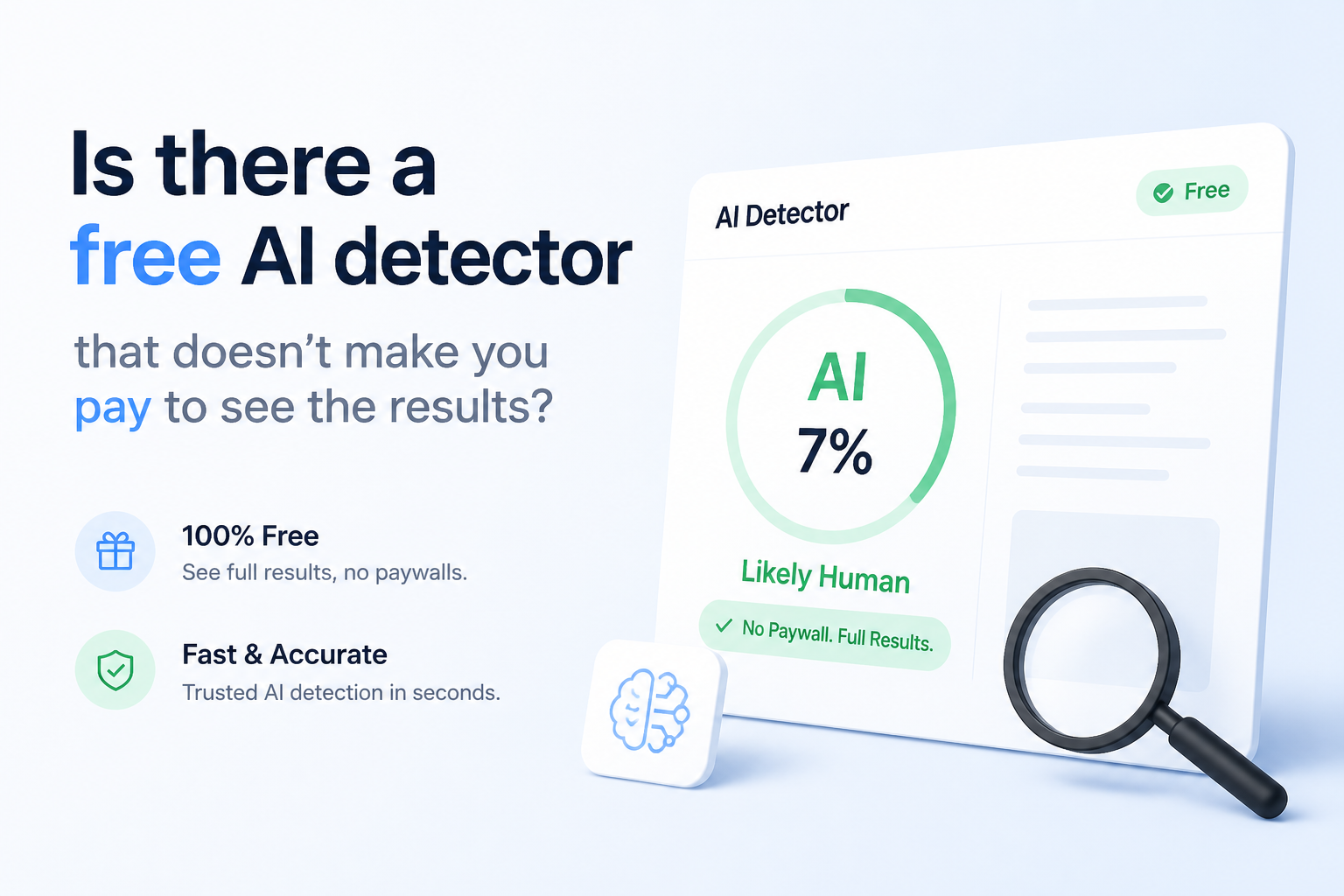
Is there a free AI detector that doesn’t make you pay to see the results?
Yes, a few AI detectors reveal the actual score for free. We compared five options, paying close attention to hidden result locks, input caps, sign-up demands, plus useful sentence details.
Clever AI Detector
9.2/10Best for: Writers who need complete results from long drafts without creating an account
- Full score appears without payment
- Sentence-level signals are included
- Up to 10,000 words per check
- Unlimited checks with no required account
Scribbr AI Detector
8.7/10Best for: Students checking essays in English, German, French, Spanish, or another supported language
- Unlimited free checks
- No sign-up required
- Supports several languages
- Recognizes AI-refined text as a separate category
QuillBot AI Detector
8.3/10Best for: People who want a plain-language reason for a flag instead of only a percentage
- Core score is visible for free
- One explainer card is included
- No software installation
- Clear 0–100 likelihood score
Free AI Detectors Without Result Paywalls Compared
These five tools are compared by free input allowance, access to sentence-level signals, price, plus overall usefulness. Scores are editorial judgments based on the free experience, stated limits, transparency, plus how much of the result remains visible without an upgrade.
| Tool | Free Input Limit | Sentence Signals | Price | Score |
|---|---|---|---|---|
| 1.Clever AI Detector PICK | 10,000 words | ● Yes | Free | 9.2/10 |
| 2.Scribbr AI Detector | 1,200 words | ● No | Free | 8.7/10 |
| 3.QuillBot AI Detector | 1,200 words | ● Yes | Free | 8.3/10 |
| 4.Sapling AI Detector | 2,000 characters | ● Yes | Free | 8.0/10 |
| 5.GPTZero | 10,000 characters | ● Yes | Free | 7.8/10 |
The 5 Best Free AI Detectors Without Paywalls, Reviewed
01 Clever AI Detector
Browser Tool / CleverFiles
9.2/10
Clever AI Detector
Browser Tool / CleverFiles
Clever gave us the clearest answer to the question behind this list: yes, a genuinely free detector can show useful results without asking for payment afterward. Its 0–100 probability score, confidence indicator, overall verdict, plus sentence-level signals are available at no charge.
The input allowance is unusually roomy. Each check accepts 80 to 10,000 words, with unlimited runs listed on the site. No account was required for the basic check. A free account adds history, which is useful when comparing revisions.
The sensible wording also helps. Clever describes its score as a probability rather than proof. English plus Spanish are supported, though writers working in other languages will need another option.
Best forWriters who need complete results from long drafts without creating an account
- Full score appears without payment
- Sentence-level signals are included
- Up to 10,000 words per check
- Unlimited checks with no required account
- Confidence indicators provide helpful context
- Supports only English plus Spanish
- An 80-word minimum makes it unsuitable for tiny samples
- Saved history requires an account

02 Scribbr AI Detector
Browser Tool / Scribbr
8.7/10
Scribbr AI Detector
Browser Tool / Scribbr
Scribbr is a strong pick if language coverage matters more than a huge single-document limit. The free detector accepts up to 1,200 words per submission, permits unlimited checks, then displays the result without requiring registration.
Its categories are more useful than a blunt human-or-AI label. Scribbr can distinguish text it considers fully generated, AI-refined, or human-written. Longer papers must be split into sections, which can make the overall picture less consistent.
Best forStudents checking essays in English, German, French, Spanish, or another supported language
- Unlimited free checks
- No sign-up required
- Supports several languages
- Recognizes AI-refined text as a separate category
- Limited to 1,200 words per submission
- Long documents must be divided manually
- A score still cannot establish authorship
03 QuillBot AI Detector
Browser Tool / QuillBot
8.3/10
QuillBot AI Detector
Browser Tool / QuillBot
QuillBot reveals its basic detection score for free, so there is no payment wall hiding the main answer. Free users can scan up to 1,200 words at once, with a listed allowance of six scans per day.
The free result includes one explainer card. Full-text explainers, unlimited scans, plus downloadable reports sit in Premium. That makes QuillBot useful for occasional checks, but less appealing for someone reviewing many drafts in one sitting.
Best forPeople who want a plain-language reason for a flag instead of only a percentage
- Core score is visible for free
- One explainer card is included
- No software installation
- Clear 0–100 likelihood score
- Free use is capped at six daily scans
- Only one free explainer card
- Full reports require Premium
04 Sapling AI Detector
Browser Tool / Sapling
8.0/10
Sapling AI Detector
Browser Tool / Sapling
Sapling shows an overall AI probability, local highlights, plus sentence-level perplexity signals without charging for the initial check. The free input covers the first 2,000 characters, so it works better for passages than complete articles.
PDF plus Word uploads are supported when the document contains selectable text. Sapling also states plainly that false positives or false negatives occur. The short free limit is the main drawback, particularly with detectors that generally benefit from longer samples.
Best forEditors who want local highlights plus optional sentence perplexity details
- Overall probability is free
- Local text signals are highlighted
- Sentence perplexity view is available
- Accepts PDF plus DOCX uploads
- Shareable reports expire after three days
- Free checks cover only 2,000 characters
- Scanned documents need OCR first
- Dashboard features may require an account
05 GPTZero
Browser Tool / Superhuman
7.8/10
GPTZero
Browser Tool / Superhuman
GPTZero lets visitors run a basic free scan, with the public input showing a limit of 10,000 characters. The core result is visible without buying a plan, though advanced scans, plagiarism checks, plus deeper reports are promoted as premium features.
Its real distinction is the wider classroom setup. Google Docs writing replay, Canvas support, plus document verification can matter to schools. For a person who only wants a free percentage with no upsell friction, Clever or Scribbr feels simpler.
Best forTeachers or students who may later need document replay, LMS support, or writing-process evidence
- Basic detection result is available free
- Handles up to 10,000 characters in the public checker
- Built around education use cases
- Writing-process verification is available
- Several useful insights are premium
- Character limit is less convenient than a word limit
- The interface places frequent emphasis on upgrades
How We Assessed Free AI Detectors Without Paywalls
We checked whether each public detector displayed its core result at $0, then recorded the free input ceiling, account requirement, daily cap, sentence analysis, plus any report details reserved for paying users. A tool lost ground if “free” meant only a teaser before the score appeared.
Scores also account for how clearly each service describes uncertainty. We did not grade vendor accuracy claims as settled facts. Detector performance changes with text length, language, model, editing level, plus writing style, so this comparison focuses on the usable free experience rather than pretending one small sample can prove universal accuracy.
How to Choose a Free AI Detector That Shows Real Results
Start with the limit that affects your work. A 2,000-character checker is fine for one paragraph but annoying for a 2,500-word essay. Look for an overall score plus local clues, since a bare percentage gives you little to inspect.
Check the account rules too. Optional history is reasonable. A tool that scans first, then hides the result behind registration or payment, is not meaningfully free for a one-off check. Privacy matters as well, especially with student work, unpublished articles, client material, or internal documents.
Common Mistakes to Avoid With Free AI Detection Tools
The biggest mistake is treating a high score like forensic evidence. Formulaic human prose, polished academic writing, short samples, plus work by non-native English writers can trigger false positives. Lightly edited machine text can move the score in the opposite direction.
Avoid repeatedly rewriting honest work just to satisfy a detector. Keep outlines, drafts, source notes, tracked changes, plus version history instead. Those records usually say more about authorship than a probability generated from the finished wording.
Which Free AI Detector Should You Use?
Clever AI Detector earns first place because it provides the most complete no-cost result here, with a large 10,000-word allowance, confidence context, plus sentence-level signals. Scribbr is a practical runner-up for multilingual work, while QuillBot suits short occasional checks where one explanation is enough.
Sapling offers more technical clues for short passages. GPTZero makes more sense in a classroom workflow. Whichever tool you choose, a result should prompt closer review, not an automatic accusation.
Run the same unedited passage through two detectors, save both outputs, then review any flagged sentences against drafts or document history before drawing a conclusion.