PhotoRec Review 2026: Tested and Described
PhotoRec can carve files from damaged storage for free, but the recovery process leaves too much sorting, renaming, plus guesswork. Most people will have an easier time with Disk Drill.
PhotoRec is free plus surprisingly capable at raw file carving, especially when a damaged file system blocks normal access. Still, generic filenames, lost folder structure, weak fragmented-file handling, plus limited result browsing make Disk Drill the better option for most recovery jobs.
PhotoRec can produce thousands of poorly named files, so a successful scan may still leave hours of manual sorting with no original folder tree.
PhotoRec at a Glance
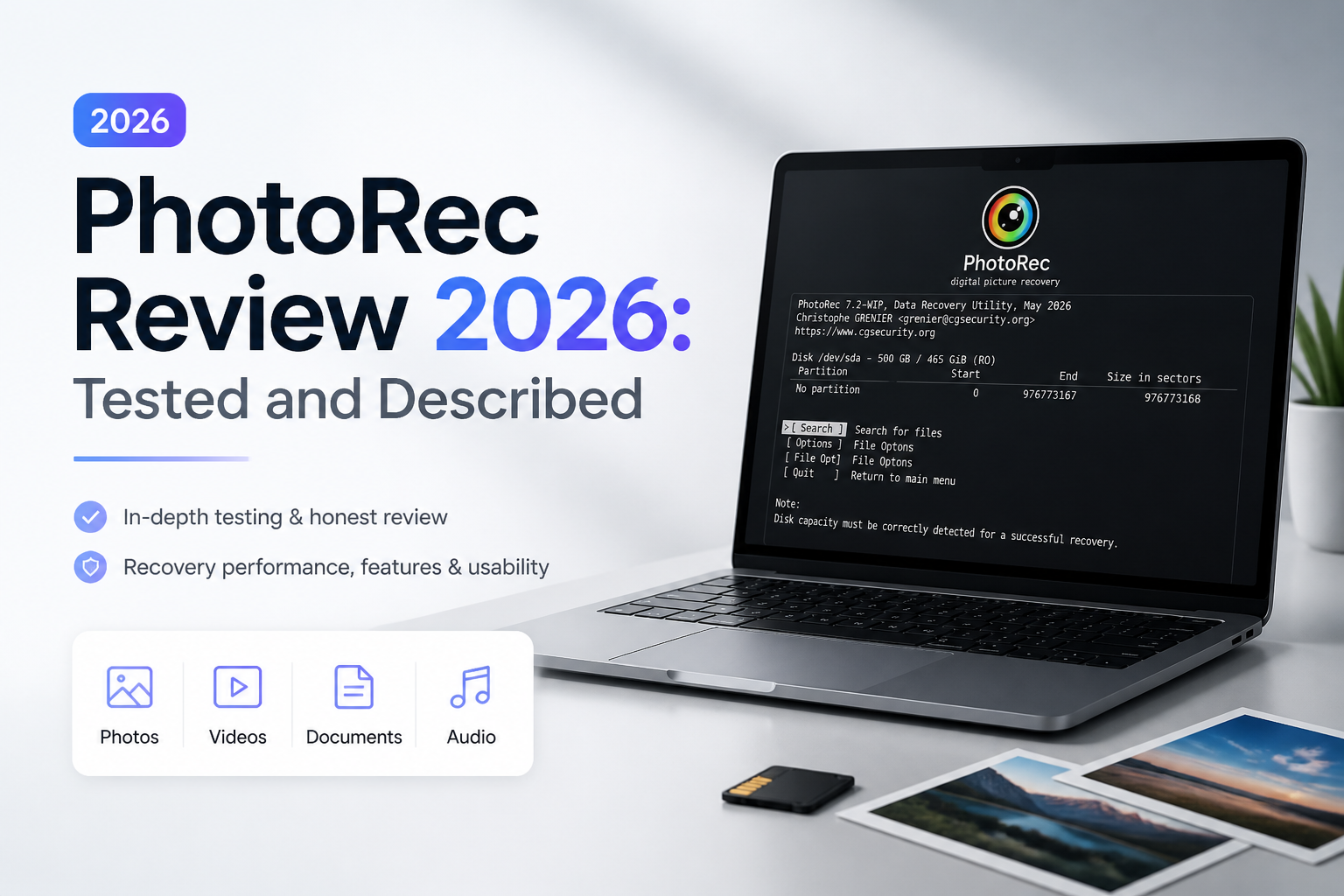
5.4/10PhotoRec is a free, open-source file-carving utility bundled with TestDisk. It searches storage for recognizable file signatures rather than relying on a healthy file system.
Best forTechnical users who need unrestricted raw carving from a disk image or badly damaged file system
- Signature-based file carving
- 480-plus recognized extensions
- Physical drive plus disk-image scanning
- Read-only source access
- Selectable file-type recovery
- Free with no recovery limit
- Broad format recognition
- Runs on numerous operating systems
- Generic recovered filenames
- Poor folder reconstruction
- Rough workflow for first-time users
PhotoRec Recovery Performance, Usability, Plus Value in Detail
01 Raw Recovery Capability
Good carving cannot preserve what file-system records once supplied
7.2/10
Raw Recovery Capability
Good carving cannot preserve what file-system records once supplied
PhotoRec ignores the damaged file system, then searches storage block by block for recognizable file signatures. That approach is helpful with reformatted cards, RAW partitions, disk images, plus volumes that no longer mount normally. The official format list covers more than 300 file families across 480-plus extensions. (cgsecurity.org)
The catch appears after recovery. Signature carving usually cannot restore original filenames or directory paths. Files land in numbered
recup_dir
folders with names such as
f0017088.jpg
. Metadata may improve dates or add a document title, but it does not recreate the old folder tree. (cgsecurity.org)
- Works even when a file system is badly damaged
- Supports common photos, RAW images, documents, archives, plus video
- Can scan physical media or compatible disk images
- Uses read-only access on the source device
- Usually loses original filenames
- Does not rebuild the previous directory structure
- Carved results can include duplicates, thumbnails, plus irrelevant files
02 Recovered File Organization
The scan ends where the cleanup job begins
3.4/10
Recovered File Organization
The scan ends where the cleanup job begins
This was PhotoRec's weakest practical area. Recovered items are split into folders holding up to roughly 500 regular files each, while generic names replace familiar project folders or camera-roll names. Sorting by extension or embedded date helps, though mixed shoots still become tedious. (cgsecurity.org)
Disk Drill presents previews, file-type filters, search, reconstructed-file groups, plus recoverability details in one interface. PhotoRec instead expects the user to inspect the output afterward through Finder, File Explorer, scripts, or a separate cataloging tool.
- Separates output into manageable recovery directories
- Retains embedded timestamps for some formats
- Lets users restrict recovery to selected file types
- No dependable original folder tree
- Generic filenames make specific files hard to locate
- Embedded thumbnails can clutter photo results
03 Ease of Use
Small choices carry unusually high stakes
3.9/10
Ease of Use
Small choices carry unusually high stakes
The text interface is fast once its terminology makes sense, but it is not welcoming. Users must identify the correct disk, partition, file-system family, scan range, plus destination before recovery starts. One careless destination choice could write recovered material onto the source, which may overwrite files that were still recoverable.
PhotoRec does warn users not to save results back to the source. It also supports scan resumption plus a low-memory mode. Those are sensible safeguards, yet the overall workflow assumes patience plus basic storage knowledge. (cgsecurity.org)
- Keyboard workflow is responsive
- Recovery progress appears in real time
- Interrupted sessions can be resumed
- Documentation explains major options
- Disk selection can intimidate inexperienced users
- No polished preview-led workflow
- Terminology is easy to misread during a stressful recovery
04 Photo Plus Video Handling
Still images fare better than scattered camera footage
5.1/10
Photo Plus Video Handling
Still images fare better than scattered camera footage
PhotoRec recognizes mainstream JPEG files plus many camera RAW formats. It can also carve video containers, yet signature recognition does not guarantee a playable result. A file spread across noncontiguous storage blocks is much harder to reconstruct correctly.
The project notes that whole-file recovery works best when data is not fragmented, though later passes may recover some fragmented files. Disk Drill has a dedicated Advanced Camera Recovery mode built to locate plus reconstruct fragmented footage from cameras, drones, dashcams, plus similar devices. (cgsecurity.org)
- Broad support for common image types
- Handles several camera RAW formats
- Useful for uncomplicated JPEG recovery from memory cards
- Fragmented video may be incomplete or unplayable
- No built-in media repair workflow
- Result validation requires opening files after recovery
05 Cost Versus Effort
Zero dollars is excellent until cleanup consumes the afternoon
9.2/10
Cost Versus Effort
Zero dollars is excellent until cleanup consumes the afternoon
PhotoRec costs $0. It is open-source software released under GPL v2+, with no recovery cap, subscription, locked scan mode, or paid export step. (cgsecurity.org)
That makes it a useful fallback for technical users, bulk carving, plus cases where paid software finds nothing. The tradeoff is labor. A free recovery that produces 20,000 generically named files may cost more time than a paid tool that preserves useful file records or provides searchable previews.
- No charge for scanning or recovery
- No data limit
- No account required
- Open-source licensing
- No paid support tier for urgent cases
- Manual cleanup can outweigh the cash savings
How We Evaluated PhotoRec for Real Recovery Jobs
We assessed PhotoRec around common recovery tasks using deleted files, quick-formatted removable storage, mixed photo sets, video clips, plus a raw disk image. The review focused on setup clarity, format recognition, result usability, filename retention, folder reconstruction, plus the work required after scanning.
Scores also reflect documented limitations. PhotoRec's own material explains its signature-based approach, generic output names, recovery directories, fragmented-file caveats, plus destination safety rules. We gave more weight to usable results than the raw number of files produced.
When PhotoRec Is the Wrong Recovery Tool
Avoid starting with PhotoRec if you need one named document quickly, want the original folder hierarchy, or must inspect files before writing a large recovery set. It is also a poor first pick for fragmented camera video, since finding a video header is not the same as rebuilding every scattered piece in the right order.
Do not run software recovery against clicking, disconnecting, incorrectly sized, or physically damaged hardware. Power the device down, then consult a recovery lab. Extra scans can worsen a failing drive's condition.
PhotoRec Review 2026: How It Scored Across Recovery Criteria
| Category | Performance | Score |
|---|---|---|
| 01 Raw Recovery Capability | 7.2/10 | |
| 02 Recovered File Organization | 3.4/10 | |
| 03 Ease of Use | 3.9/10 | |
| 04 Photo Plus Video Handling | 5.1/10 | |
| 05 Cost Versus Effort | 9.2/10 |
PhotoRec vs Disk Drill: Head-to-Head Recovery Comparison
We compared the two tools around the parts users encounter during a real recovery, including setup, damaged-volume scanning, media reconstruction, result review, plus licensing.
| Metric | PhotoRec | Disk Drill |
|---|---|---|
| Recovery Workflow | Text-led setup with manual choices | Guided scan, preview, filter, recover flow |
| Original Names Plus Folders | Usually lost during carving | Preserved when usable file-system records remain |
| Result Preview | Inspect output after files are written | Built-in preview before recovery |
| Fragmented Camera Video | Limited reconstruction | Dedicated Advanced Camera Recovery mode |
| Disk Imaging | Scans existing DD or E01 images | Creates byte-to-byte images, then scans them |
| Operating Systems | Windows, macOS, Linux, BSD, plus more | Windows plus macOS |
| License Plus Support Value | $0, community-led support | $89/year or $149 lifetime, cross-platform license, product support |
| Overall Score | 5.4 / 10 | 9.0 / 10 |
What to Use Instead of PhotoRec
Choose Disk Drill if you want to preview files, preserve more useful structure, create a safety image, or recover camera footage without sorting anonymous output folders by hand.
01 Disk Drill
A clearer route from damaged storage to usable files
9.0/10
Disk Drill
A clearer route from damaged storage to usable files
Disk Drill is our preferred PhotoRec alternative because it puts scanning, previews, search, filters, disk imaging, plus recovery in one understandable desktop app. It can use file-system records when they survive, then fall back to signature scanning where needed.
The free Basic edition scans plus previews files. Windows users can recover up to 100 MB free. Disk Drill PRO costs $89 per year or $149 for a lifetime license covering Windows plus macOS, with up to three activations. (cleverfiles.com)
- Preview files before paying
- Searchable, filtered scan results
- Byte-to-byte backup creation
- Dedicated fragmented camera-video recovery
- One license covers Windows plus macOS
- Full recovery beyond the Windows free allowance requires payment
- No Linux edition

What Recovery Users Report About PhotoRec
A user recovering a damaged camera card said PhotoRec failed to produce usable fragmented videos, while Disk Drill restored the photos plus handled the footage more effectively.
One recovery-community reply described free tools such as PhotoRec as useful but carrying significant drawbacks compared with paid recovery software.
Should You Use PhotoRec in 2026?
PhotoRec remains a valuable free fallback for experienced users who understand carving, disk images, plus post-recovery cleanup. We do not recommend it as the first choice for most people because lost filenames, flattened folders, weak preview tools, plus fragmented-media limits make a stressful job harder. Start with Disk Drill instead, then keep PhotoRec available as a secondary pass if the first scan misses something.
Stop using the affected drive, create a byte-to-byte image where possible, then scan that copy instead of repeatedly reading unstable media.