What Makes Clever AI Detector Different?
Clever AI Detector skips the dramatic guilty-or-innocent stamp. It gives writers a free, inspectable result with enough context to question the score.
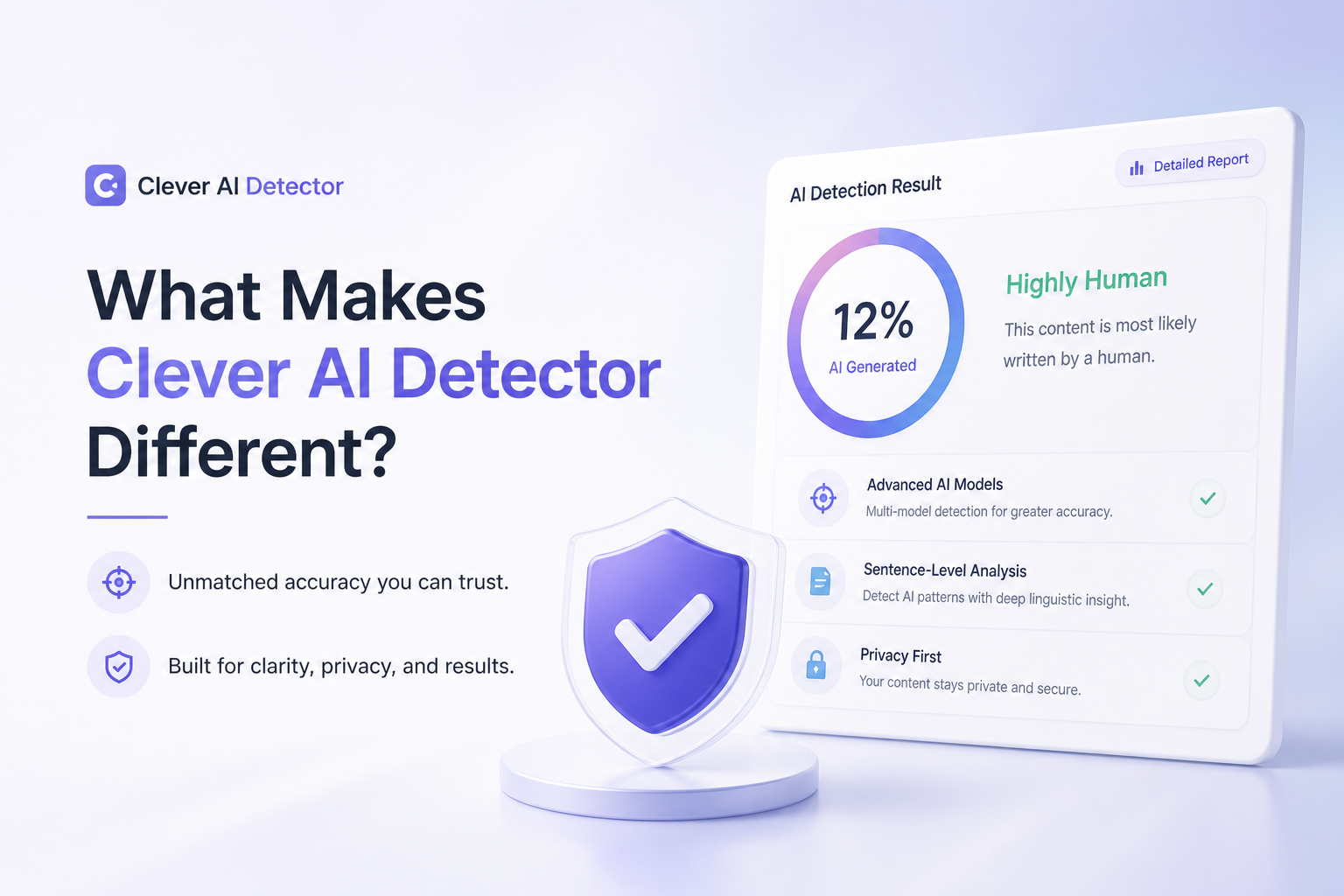
Clever AI Detector is different because it shows its work. Each scan includes an overall probability, a confidence cue, plus sentence-level signals. Checks of up to 10,000 words cost $0, with no required account.
Clever AI Detector at a Glance
9.2/10Clever AI Detector is a browser-based checker for English text. It estimates whether writing resembles machine-generated content, then points to sentences that influenced the result.
Best forEditors, students, teachers, or writers who need a first-pass review of a complete English draft
- AI probability score
- Sentence-level signal highlighting
- Confidence cue for each result
- 80 to 10,000 words per scan
- Optional saved check history
- Detailed result without payment
- Large per-scan word allowance
- No required account
- English-only support
- Not proof of authorship
- Few team workflow features
What Makes Clever AI Detector Different in Daily Use
01 Detection Performance
Most useful on complete English passages
9.5/10
Detection Performance
Most useful on complete English passages
Clever handled obvious machine drafts without trouble, though that is the easy part. More useful was its response to mixed passages where a writer had reworked the opening, changed several phrases, or inserted original sections.
The detector looks for patterns across the passage instead of claiming to identify one exact generator. Results cover writing associated with tools such as ChatGPT, Claude, Gemini, DeepSeek, Copilot, or Llama, though no individual model is guaranteed to trigger a flag.
- Works with pure AI drafts plus mixed writing
- Examines each sentence separately
- Recognizes patterns linked to several major model families
- Does not present the score as proof
- Results become less stable on very short text
- Heavy human editing can reduce detectable signals
- No detector can establish who typed a passage
02 Result Explanations
More context than a lonely percentage
9.4/10
Result Explanations
More context than a lonely percentage
A single percentage can look precise while telling you almost nothing. Clever pairs its probability with a verdict, a confidence cue, plus marked sentences. That extra layer makes it easier to inspect a borderline result rather than panic over a big red number.
The restraint around uncertainty is the real difference. A score near the middle is treated as an unclear case. Still, readers must remember that 90% AI describes statistical resemblance, not the percentage of words supposedly generated by software.
- Highlights sentences with stronger AI signals
- Includes a confidence cue
- Makes mixed passages easier to inspect
- Explains uncertain results instead of forcing a binary call
- Percentages may still look more certain than they are
- Highlights identify patterns, not the reason a person wrote that way
03 Draft Capacity
Room for essays, reports, plus long articles
9.3/10
Draft Capacity
Room for essays, reports, plus long articles
Each check accepts 80 to 10,000 words. That range is practical. The lower boundary discourages unreliable one-line tests, while the ceiling covers most essays, reports, newsletters, guest posts, or substantial web articles in one pass.
The large input box also preserves context. Splitting a report into tiny chunks can produce disconnected scores, so being able to scan the complete piece is not just convenient. It can make the review easier to interpret.
- Up to 10,000 words in one scan
- Suitable for full essays or long articles
- Unlimited checks listed on the product page
- Enough context for sentence-level review
- Text under 80 words cannot be checked
- English is the only clearly supported language
- Very large manuscripts still require separate scans
04 Checking Workflow
Paste, scan, inspect, then revise
8.9/10
Checking Workflow
Paste, scan, inspect, then revise
The basic flow needs little explanation. Paste an English passage, run the check, then inspect the probability plus marked sentences. No mandatory registration interrupts a quick scan.
A free account adds saved history, which is handy for comparing an early draft with a later revision. The missing piece is deeper project organization. Frequent users may want folders, shared reports, integrations, or batch uploads, none of which form the core experience here.
- No account needed for a basic scan
- Clean path from text to result
- Optional history helps compare revisions
- Report can be copied
- No visible batch-checking workflow
- Limited team or classroom administration tools
- No broad integration suite
05 Free Access
The complete result stays outside a paywall
9.7/10
Free Access
The complete result stays outside a paywall
This is where Clever separates itself most clearly. The detector costs $0. Its probability score, confidence cue, sentence-level signals, plus 10,000-word allowance remain available without a credit card or mandatory account.
There are no paid detector tiers listed as of September 5, 2026. Service terms can change, naturally, though the current setup is unusually generous for someone who only needs an occasional check.
- Full detector access costs $0
- No credit card required
- No mandatory registration
- Sentence details remain free
- Optional account history also costs $0
- Free availability could change later
- Web service access depends on site availability
How We Tested Clever AI Detector in September 2026
We checked complete English samples from four groups: untouched AI drafts, lightly revised AI text, mixed human-plus-machine passages, plus known human writing. We paid close attention to whether the tool separated obvious cases, marked useful sentences, or communicated doubt when the sample was less clear.
We also tested the 80-word minimum, the 10,000-word ceiling, account-free access, saved history, report copying, plus the route from a flagged sentence to revision. Detection performance carried the most weight, followed by explanation quality, usable limits, workflow, then cost.
When Clever AI Detector Should Not Decide the Outcome
Do not treat Clever, or any competing checker, as sole evidence in a cheating claim, hiring decision, publication dispute, or disciplinary case. Formal writing, repeated technical language, templates, extensive editing, plus writing by non-native English speakers may produce misleading patterns.
For a serious review, compare the score with revision history, citations, notes, earlier work, assignment context, plus the writer's explanation. The detector is best used as a flashlight. It is not a fingerprint test.
How Clever AI Detector Scored Across Five Practical Criteria
| Category | Performance | Score |
|---|---|---|
| 01 Detection Performance | 9.5/10 | |
| 02 Result Explanations | 9.4/10 | |
| 03 Draft Capacity | 9.3/10 | |
| 04 Checking Workflow | 8.9/10 | |
| 05 Free Access | 9.7/10 |
Should You Use Clever AI Detector?
Clever AI Detector is worth using if you want a free first look at machine-like phrasing without surrendering the result to a paywall. Writers, editors, or teachers will get the most value from its sentence markings plus clear uncertainty cues.
Skip it as a final judge of authorship. A detector score cannot replace draft history, source notes, previous work, or a direct conversation with the writer.
Scan the whole draft rather than isolated lines, then review every highlighted sentence beside the document history before drawing a conclusion.