SSD Data Recovery and TRIM: When Possible and When Not?
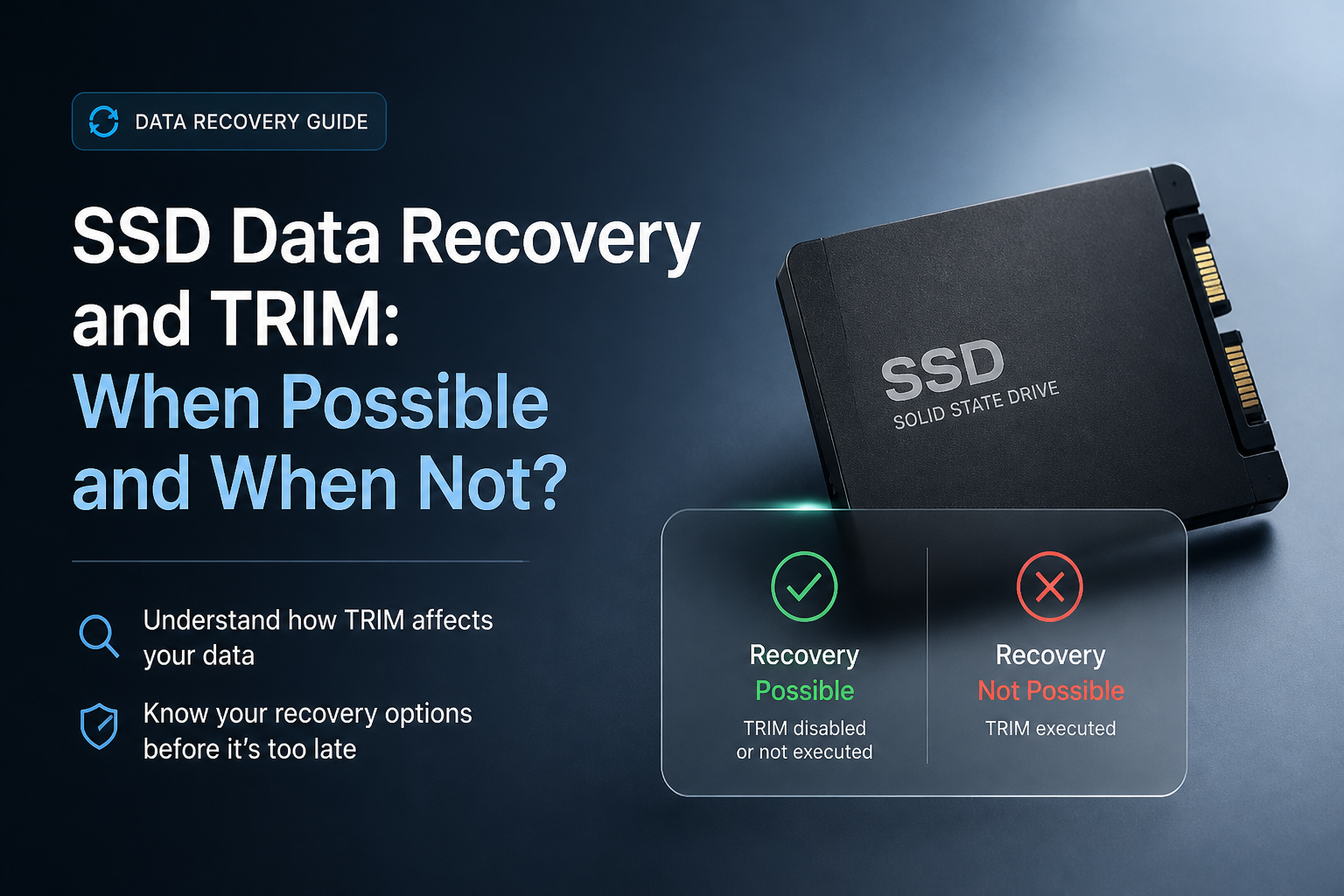
TRIM can turn a routine undelete into a dead end, but it does not ruin every SSD recovery case. First identify what was lost, how the drive was connected, plus whether its controller still exposes the old blocks.
Stop using the SSD immediately, then make a byte-to-byte image on another drive. Scan that image with Disk Drill if the SSD is healthy plus still detected. If TRIM already cleared the deleted ranges, restore from backup because neither recovery software nor a lab can normally read blocks the controller now returns as empty.
Do not install recovery software, save an image, restore files, format, run CHKDSK, optimize the drive, or run fstrim on the affected SSD. Each write or discard operation can reduce the remaining recovery chance. Power off an unstable SSD instead of scanning it repeatedly.
Scan a Byte-to-Byte SSD Image → Disk Drill
Creates disk images plus scans readable SSDs · Previews found files before recovery · Available for Windows plus macOS
Top 5 Methods for SSD Data Recovery When TRIM Is Involved
01 Scan an SSD Image With Disk Drill
Best first recovery attempt when the SSD remains readable plus TRIM may not have cleared the missing blocks
~30–90 min
Scan an SSD Image With Disk Drill
Best first recovery attempt when the SSD remains readable plus TRIM may not have cleared the missing blocks
Disk Drill is worth trying if the SSD still appears at its correct capacity. Recovery is possible when TRIM was unsupported, disabled, delayed, blocked by a storage layer, or never issued for the affected blocks.
- Stop using the affected SSD, then connect a separate drive with enough free space for an image plus recovered files.
- Install Disk Drill on another disk. Never place the app on the SSD holding the lost data.
- Open Byte-to-byte Backup, select the affected SSD, then save its image to the separate drive.
- Return to Data Recovery, attach the new image, then choose Search for lost data.
- Filter the results by file type or date, then preview several important files. A working preview is a better sign than a filename alone.
- Recover selected files to the separate drive, not to the original SSD.

02 Restore the Files From a Backup
The reliable route after TRIM has made deleted SSD blocks unreadable
~5–30 min
Restore the Files From a Backup
The reliable route after TRIM has made deleted SSD blocks unreadable
Once the SSD has honored TRIM plus its controller no longer exposes the old blocks, software cannot reconstruct their contents. A backup, synced-file history, or application autosave then becomes the practical recovery source.
- Check the Recycle Bin or Trash first, including the deleted-items area inside the cloud service used for the folder.
- Open Windows File History, macOS Time Machine, or your backup application, then browse to a date before the loss.
- Check version history in OneDrive, Dropbox, Google Drive, Adobe apps, Microsoft 365, or any service that stored the file.
- Restore a test copy to a different folder so a damaged or newer version is not overwritten.
- Open the restored file fully. For video or audio, play several sections rather than trusting the thumbnail.
- Copy verified files to two locations before resuming normal work on the SSD.
03 Check Whether TRIM Reached the SSD
Useful for judging whether a software scan has a realistic chance
~5–15 min
Check Whether TRIM Reached the SSD
Useful for judging whether a software scan has a realistic chance
An operating-system setting only shows whether delete notifications are enabled. It does not prove that a particular file was trimmed, since USB bridges, RAID layers, virtual disks, older controllers, or unsupported file systems can interrupt the command path.
- On Windows, open Terminal as administrator, then run
fsutil behavior query DisableDeleteNotify. - Read the Windows result carefully. A value of
0means delete notifications are enabled, while1means they are disabled. - Note how the SSD was connected during deletion. Some USB enclosures or RAID setups may not pass TRIM or UNMAP to the device.
- On Linux, review the mount options plus scheduled trim service. Do not run
fstrimafter data loss. - Treat enabled TRIM as a warning, not final proof. Run one read-only scan if the files matter plus the drive is healthy.
- If scans show filenames but every preview is blank, zero-filled, or corrupt, stop expecting another consumer app to reveal different block contents.
04 Scan the Whole SSD After Partition Loss
A better case than ordinary file deletion when the old data blocks were never individually released
~1–4 hr
Scan the Whole SSD After Partition Loss
A better case than ordinary file deletion when the old data blocks were never individually released
A deleted partition, damaged partition table, or interrupted format does not always produce the same TRIM pattern as deleting files through a mounted file system. The outcome depends on the operating system, format type, controller path, encryption, plus commands sent afterward.
- Do not initialize the SSD, create a new volume, repair the file system, or reinstall the operating system.
- Confirm that Disk Management or Disk Utility shows the SSD at roughly its correct physical capacity.
- Create a byte-level image when possible, especially if the partition vanished after a crash or unsafe removal.
- Scan the entire physical device or its image rather than scanning only the new, empty, or damaged volume.
- Look for reconstructed partitions first, then check signature-based results if the original file system cannot be rebuilt.
- Preview critical files, then recover them to another physical device.
05 Send the SSD to a Recovery Lab
The safe choice for failed hardware, unstable media, or business-critical files
~3–10 days
Send the SSD to a Recovery Lab
The safe choice for failed hardware, unstable media, or business-critical files
A lab may help with failed power components, damaged connectors, firmware faults, or inaccessible controllers. It usually cannot restore ordinary deleted files after TRIM removed their logical mappings, even if the flash cells have not yet been physically erased.
- Power the SSD off if it vanishes intermittently, becomes unusually hot, freezes the computer, or reports an incorrect capacity.
- Write down what happened, including deletion time, operating system, encryption status, SSD model, plus every recovery action already attempted.
- Ask the lab whether it handles SSD controller or firmware work in-house rather than forwarding the device elsewhere.
- Request an evaluation that separates hardware-repair prospects from TRIM-related logical deletion.
- Confirm the diagnostic fee, return-media cost, privacy process, plus policy for unsuccessful cases before shipping.
- Pack the bare SSD in an antistatic bag with firm padding, then use tracked shipping.
When SSD Recovery Is Still Possible Despite TRIM
Recovery remains plausible if the file was moved rather than deleted, the missing data sits on a lost partition, TRIM was disabled, or a USB or RAID layer did not pass discard commands. A sudden power loss may also interrupt processing, though this is not something to count on.
Encryption changes the picture. If BitLocker, FileVault, or hardware encryption is active, keep the recovery key plus original account credentials. Raw fragments without the required keys may be useless even when readable.
When Another SSD Scan Is Unlikely to Help
Stop cycling through recovery apps when each one finds the same filenames but cannot preview their contents. That often means file-system records survived while the SSD returns zeros for the trimmed data ranges.
Repeated software scans are also a poor choice for an SSD that drops offline, stalls, overheats, or changes capacity. Those symptoms point toward a device problem where controlled professional imaging is safer.
Choose the Right SSD Recovery Method After Data Loss
Match the method to the SSD’s condition plus the type of loss.
| Method | Best for | Time | Success rate |
|---|---|---|---|
| 1. Scan an SSD Image With Disk Drill TRY FIRST | Readable SSDs where TRIM is uncertain | ~30–90 min | ● 65% |
| 2. Restore the Files From a Backup | Trimmed files with a backup copy | ~5–30 min | ● 95% |
| 3. Check Whether TRIM Reached the SSD | Estimating whether scanning is worthwhile | ~5–15 min | ● 70% |
| 4. Scan the Whole SSD After Partition Loss | Lost partitions or interrupted formats | ~1–4 hr | ● 55% |
| 5. Send the SSD to a Recovery Lab | Hardware faults or unstable SSDs | ~3–10 days | ● 45% |
Which SSD Recovery Method Should You Try?
Start by imaging the SSD, then scan the image with Disk Drill if the device is stable plus visible at its proper capacity. This gives you a sensible shot when TRIM was disabled, unsupported, delayed, or blocked before reaching the SSD.
Use backup history when previews are empty or zero-filled. Choose a recovery lab instead when the SSD has a physical, electrical, controller, or firmware fault, but keep expectations low for files already cleared through TRIM.
Keep the original SSD untouched until every recovered file has been opened, checked, plus copied to a second safe location.